
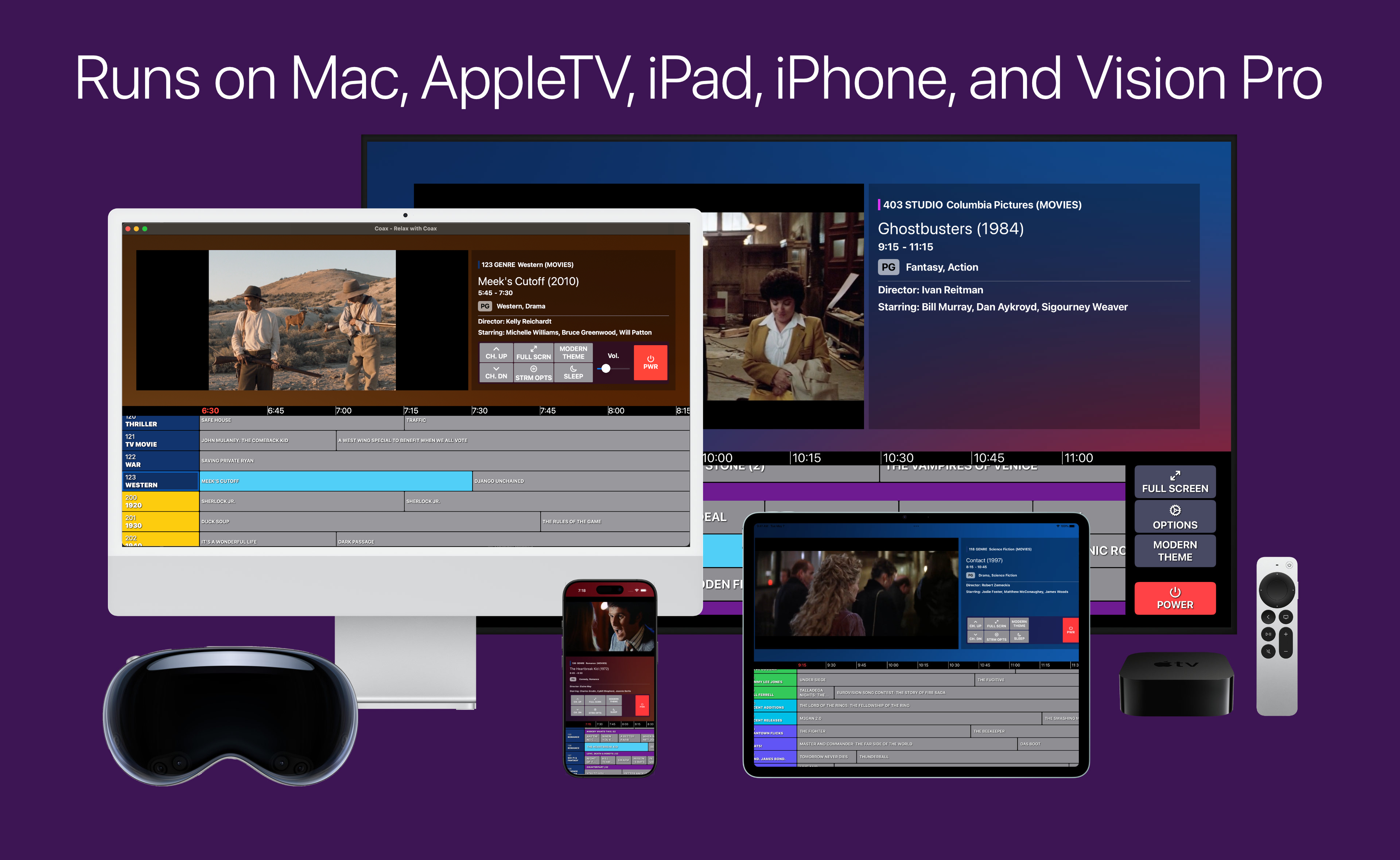
No Nickels, No Dimes
Buy Coax once and you'll get access to it on all of your devices. Family Sharing is enabled, too. Try it out with a 1 week free trial.

Channel-surf your home media serverJust like the old days. You sit down, and you see what's on. All you have to decide is how long you want to watch. Free for a week, no commitment. |
Coax turns your home media server into a linear cable channel guide.
It scans your
library, then automatically generates a schedule full of channels that you can flip through at your leisure.
| It's frictionless |
Zero setup required. The channel changes super-fast on a local connection, so it feels like the old days. Simple enough for everyone in the house to enjoy out of the box. |
|---|---|
| It's nostalgic |
It evokes that "ooh, this is on!" feeling you thought streaming killed. |
| It's serendipitous |
Stumble across a beloved TV show you forgot you had. Happen upon one of your favorite scenes in that movie you never think to put on. Everything is already playing, and surfing through is a breeze. |
| It's flexible |
You can tinker with your channels to your heart's content. Use your server's Collections to make fully custom channels. Combine TV and Movie libraries to rebuild the premium cable experience. |
| It's family-friendly |
Parental controls let you decide what gets scheduled. It's like autoplay that you can actually trust, because it's all your own content. |
Coax is fully private - no external web traffic apart from your media server's authentication and an Apple entitlements check. If you have feedback or need support, please visit the r/coax subreddit. We'd love to see you there.
We got what we always dreamed of - instant access to all of our favorite movies and TV shows, tailored exclusively to our tastes and whimsy. But that created a new problem: when we can watch whatever we want, how do we actually make a decision?
BigAlgo's answer to this is to collect every single piece of data available on you, then serve you "recommendations". But it's just more slop, more invasion of privacy, more fine-tuning and experimentation.
The Coax approach to this is simple: make it the 1990s again through science or magic. Not only is it your favorite stuff, it's already playing, waiting for you to jump in.
But what can you do for me?
Buy Coax once and you'll get access to it on all of your devices. Family Sharing is enabled, too. Try it out with a 1 week free trial.
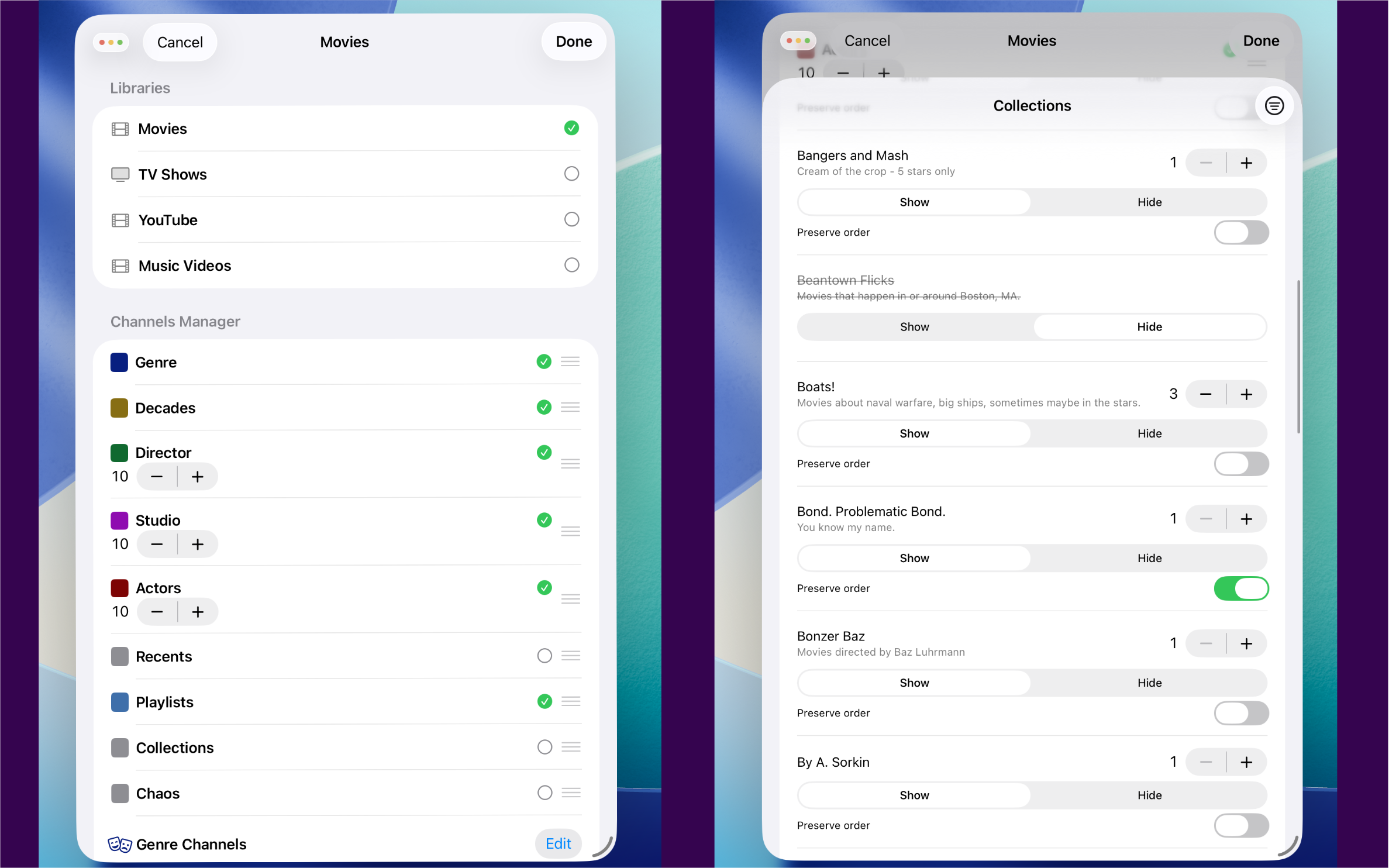
If you've got a more curated experience in mind, use Lineups. You can combine libraries, specify Collection channels, filter out specific Genres, set age and date ranges... customizable any which way you want.
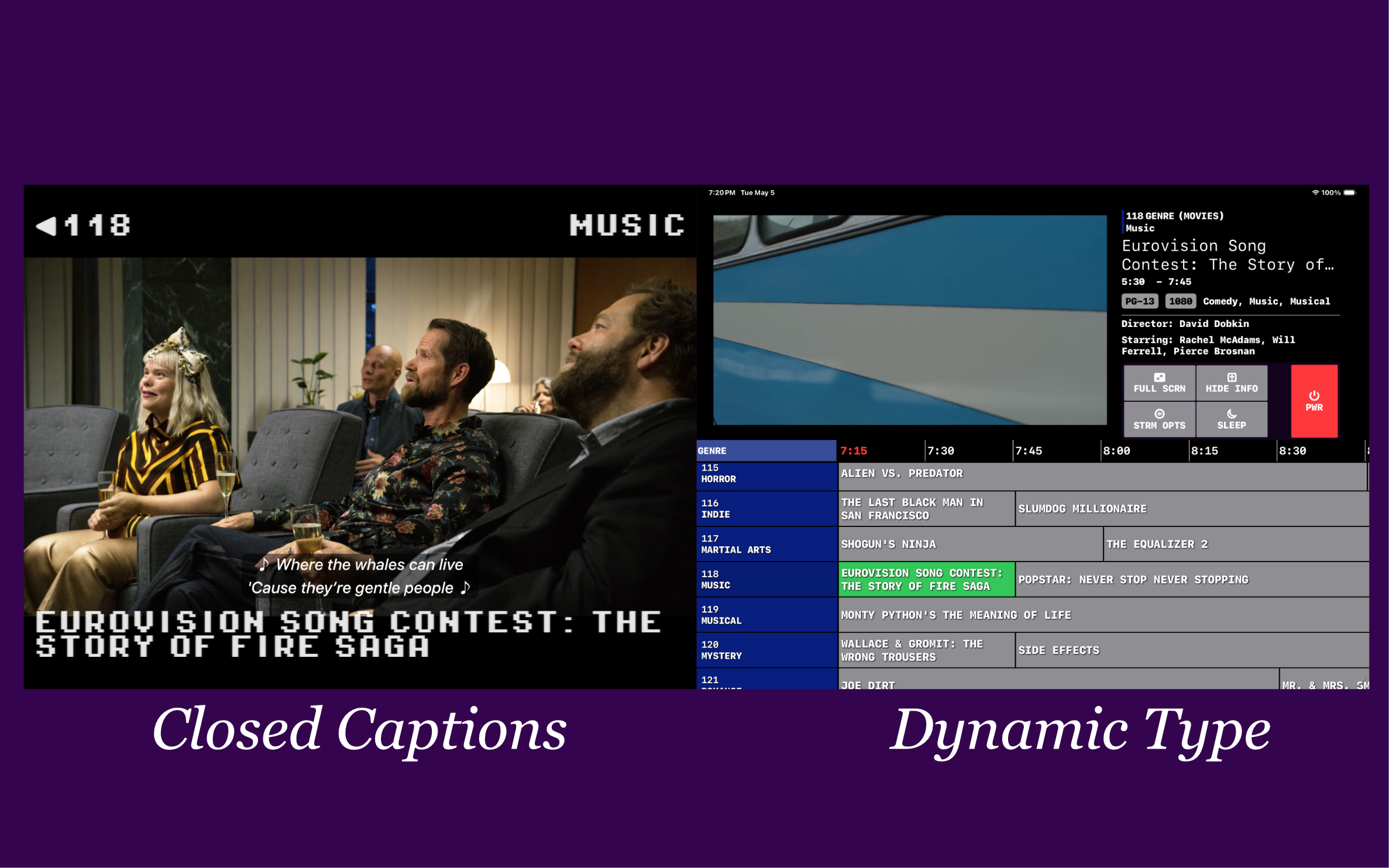
Built with accessibility in mind, Coax honors system-wide settings for Closed Captions, Reduced Motion, and Dynamic Type.
Coax works with all three major home media servers - Plex, Jellyfin, and Emby. Point it at whichever one you already run and it just works - no migration, no lock-in.
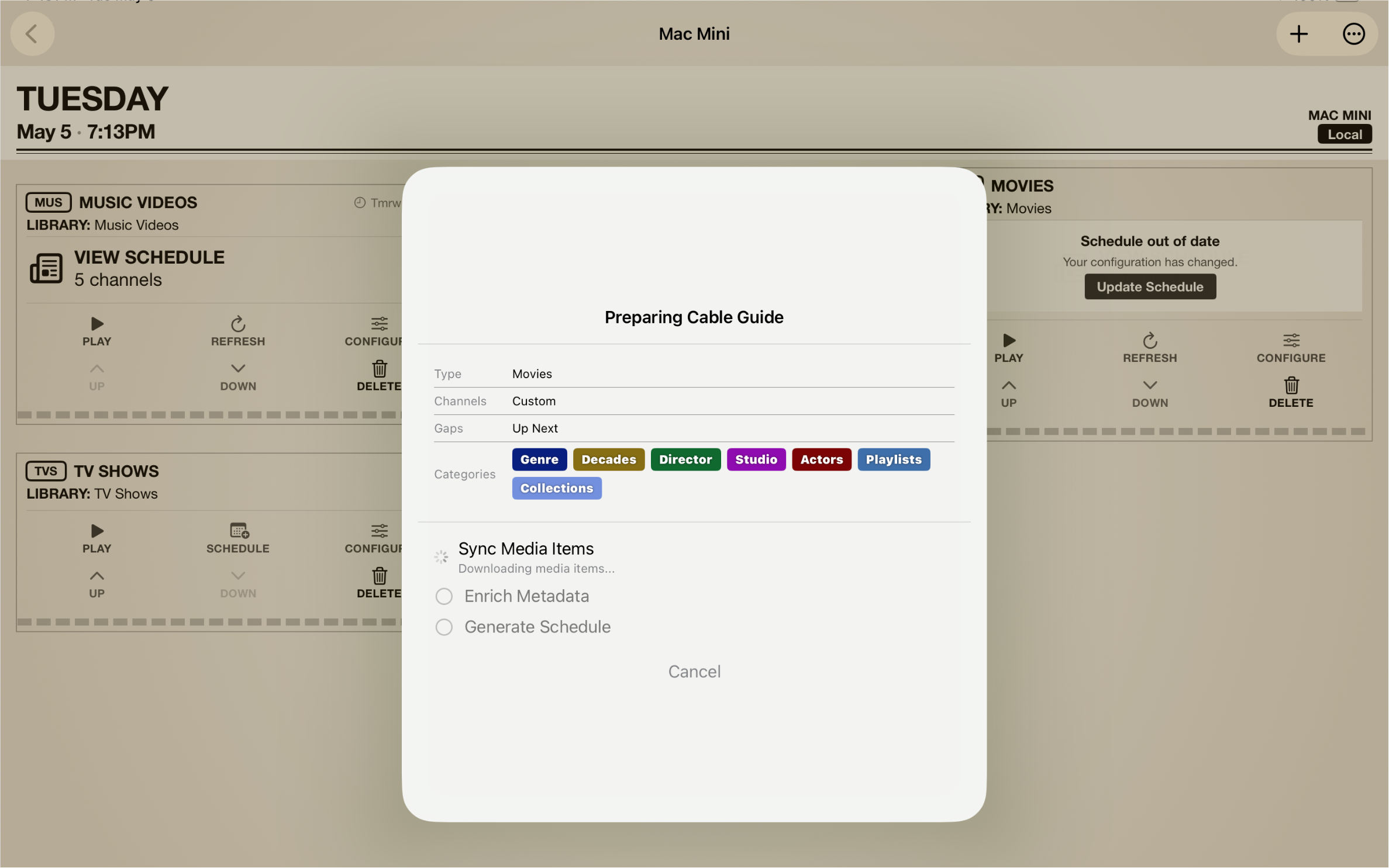
No matter the size of your libraries, you'll have a full schedule in no time flat.
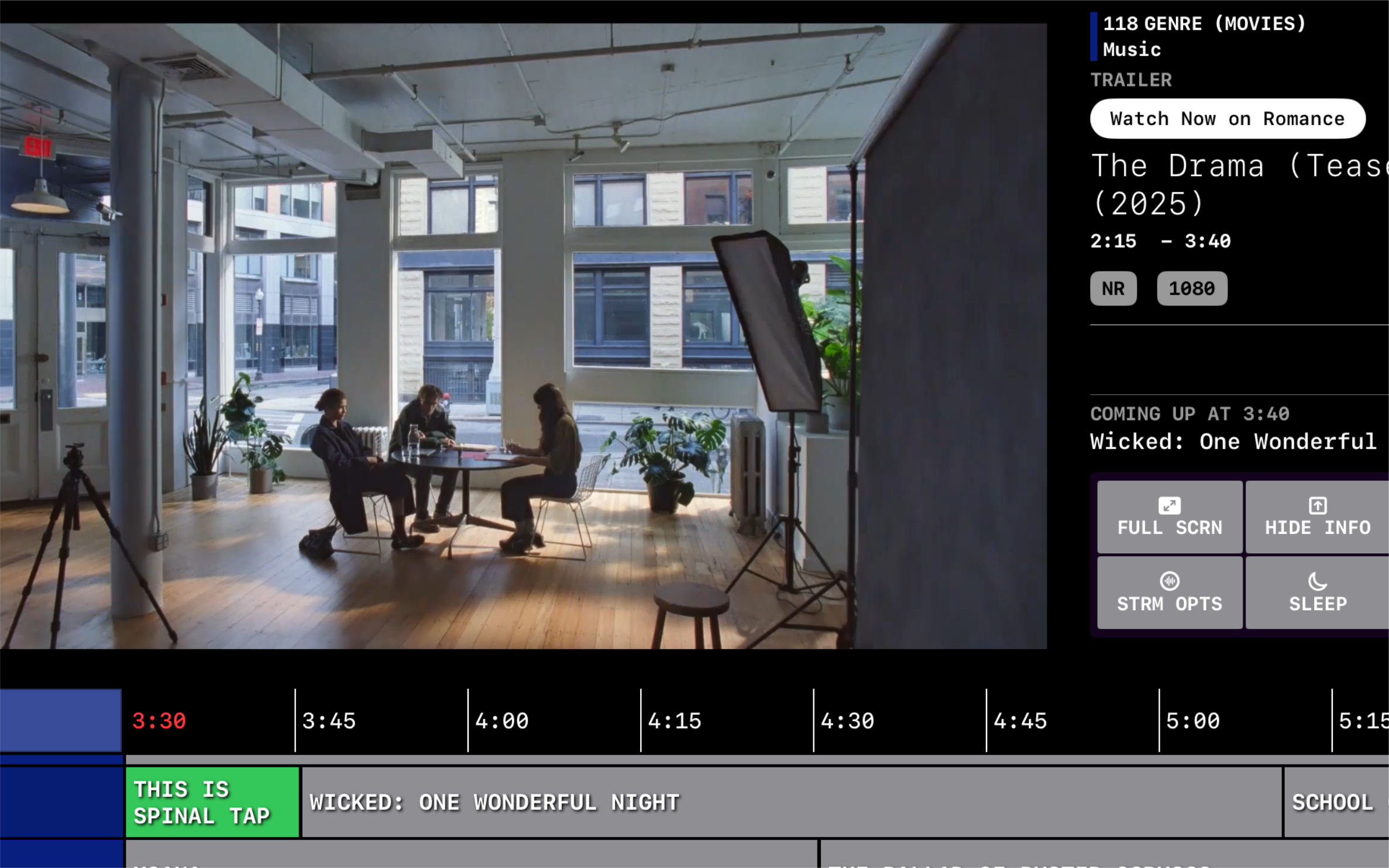
Coax will fill the time between programs with other content from your server. Fully configurable, you can adjust how long the gaps between programs will be (to match your memory of linear TV). You can even choose to play trailers (if you have them!) for other items that have started recently in your schedule.
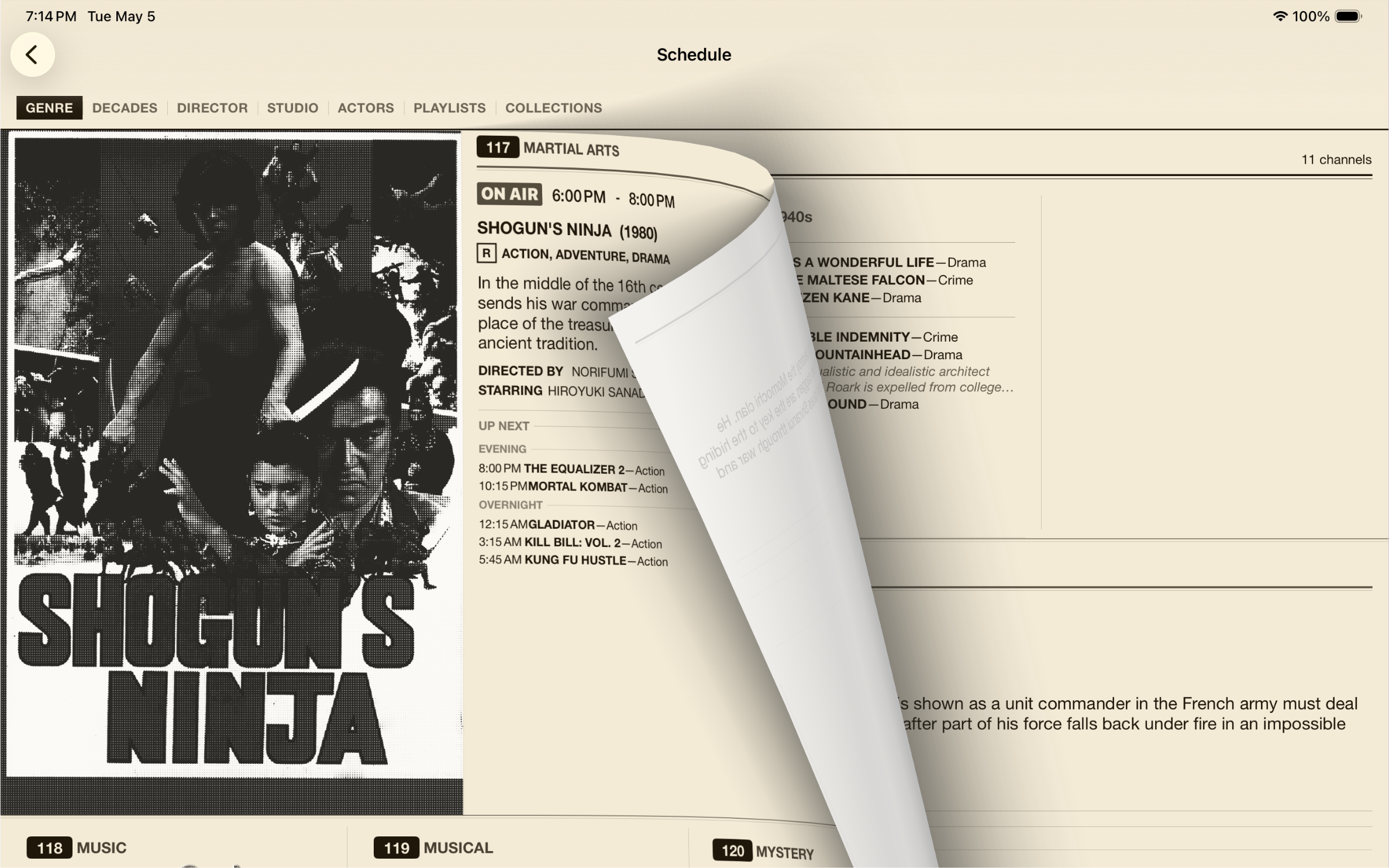
Swipe through these gorgeous throwback-y newspaper style guides. Open Coax on your iOS device while watching something on your TV or Mac and you can even use this guide to change the channel remotely!

The Retro Theme offers a blast-from-the-past so real, you'll want to put on some Hammer Pants.
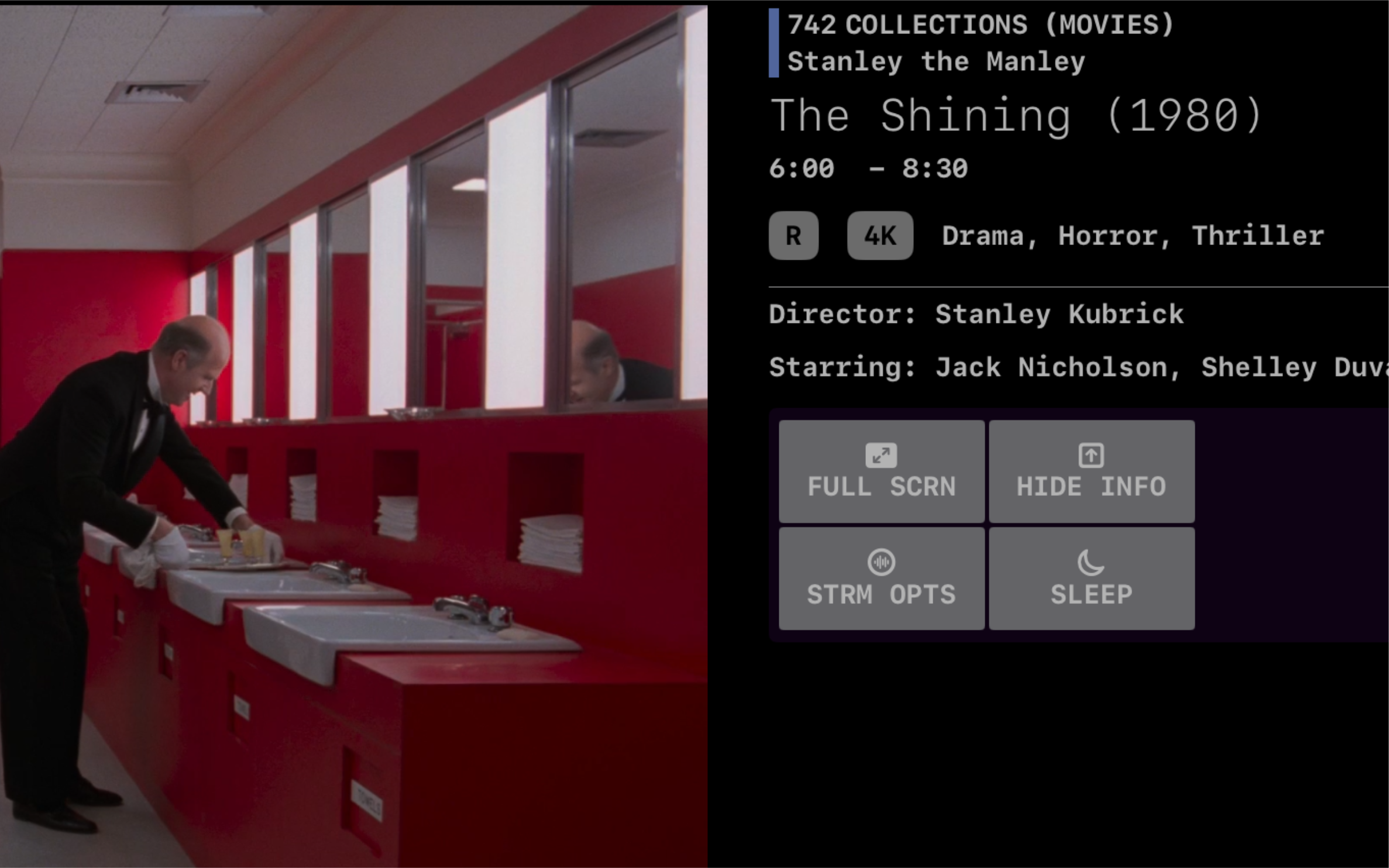
Coax uses a custom player that supports everything that AVFramework does. 4K, HDR, DolbyVision - if you have the bandwidth, Coax can play it. For everything else, there's Transcoding™.
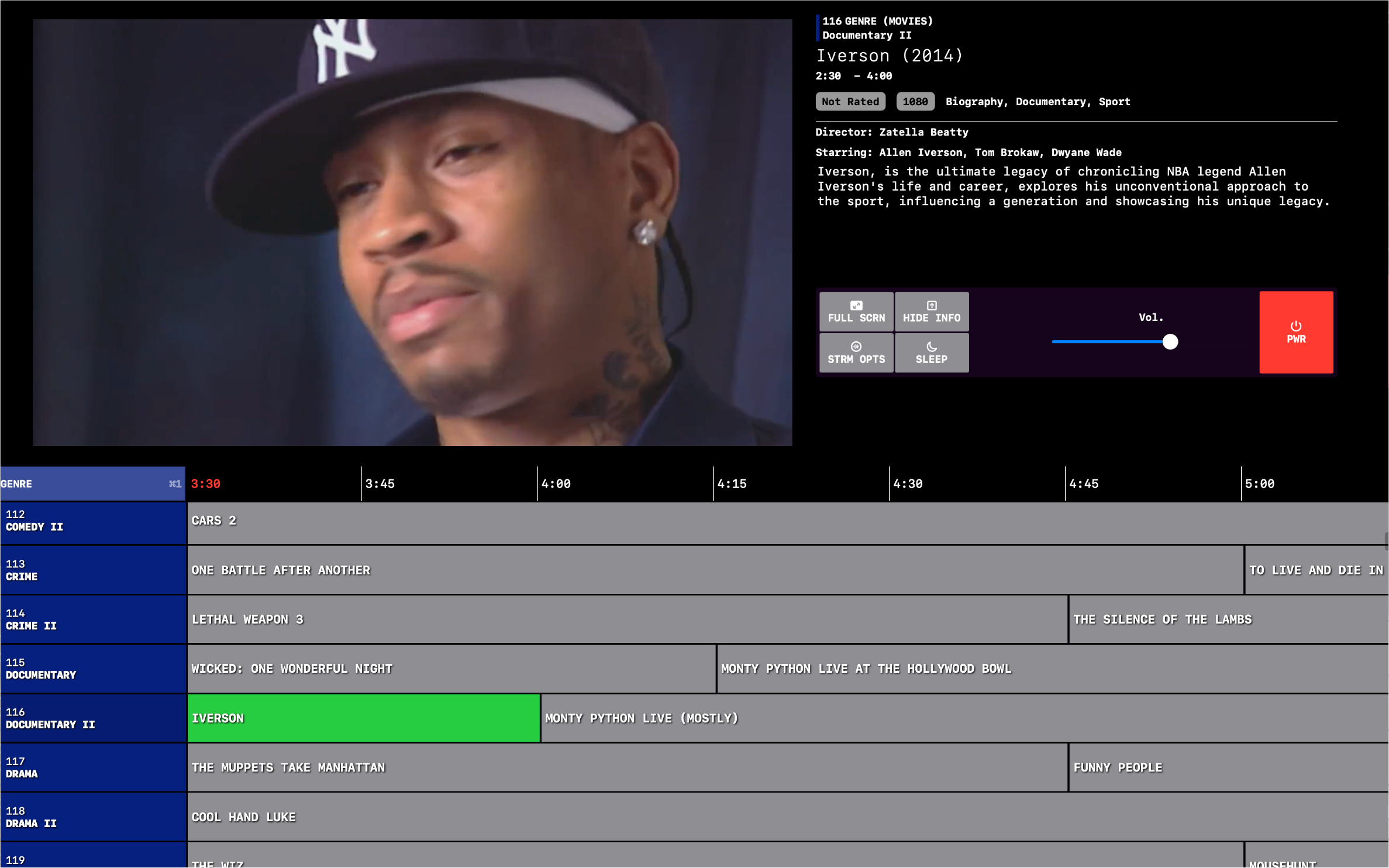
Instead of picking from a static list of posters, you can browser through Coax's EPG (Electronic Program Guide). It's all your stuff, on a schedule, and it feels like magic.
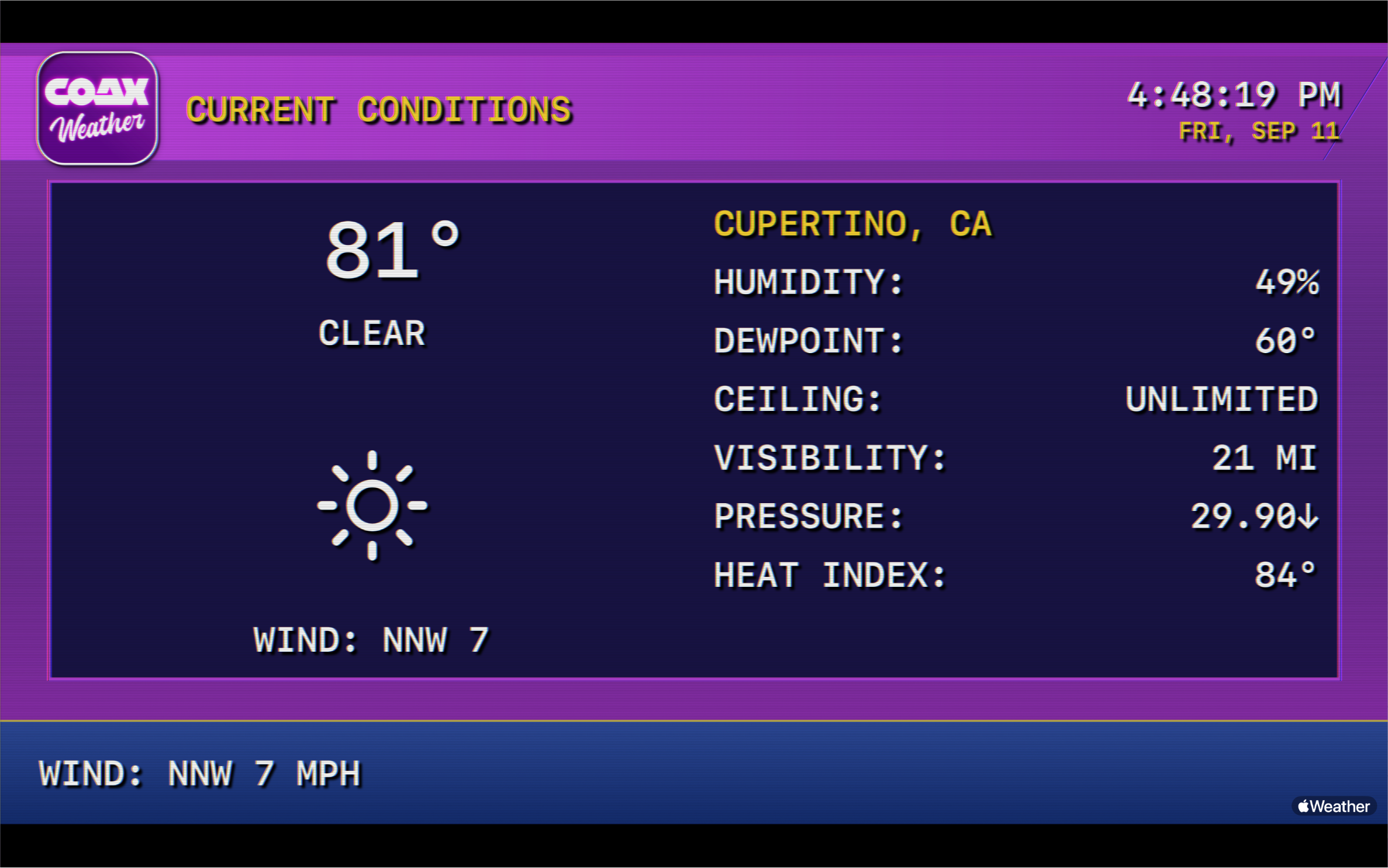
Flip to the Weather Channel and it's 1996 again: your local forecast on slowly rotating screens, easy-listening music underneath, and a narrator reading you the extended outlook. It's powered by Apple Weather for your ZIP code, so it never asks for your location.
As featured in
It's all about serendipity. You never know what you're going to get, and it's just delightful. It's like you're watching cable except you picked all the stuff.
It's a lot of fun, but surprisingly, it's more than a mere nostalgia burst.
The first time I tried Coax, it felt like magic.
Paid Endorsements
If you use Plex, you're nuts if you don't get this. And this app is so good that you should get into Plex just to be able to use this app.
A few words from the people already using it.
Excuse me… while I watch an endless stream of my own content complete with bumpers and commercials.- Letmevhsyou
If you're a Plex user who misses just flicking through channels, give it a shot. 5 stars.- Joel.P
Keep up the good work helping us to discover and rediscover what we already have!- zantaz66
What you need to know.
Once you've signed in, you'll see a list of every server your account can access. Use "Automatic" to find the fastest connection, or use "Manual" to select how you want to connect.
If you use TailScale or a similar VPN, you can enter your server's IP address and port using the "Custom" connection.
Only if you want it to! By default, Coax doesn't send playback activity to your media server. You can toggle this behavior in the Lineup Config screen.
Enabling transcoding is highly recommended. Coax will attempt to direct play/stream first, but if you've selected a lower streaming quality (for remote viewing), then server-side transcoding will be required.
Coax supports all three major home media servers: Plex, Jellyfin, and Emby. Point it at whichever one you already run. Coax does not provide or distribute any media - it only connects to content you already own.
The r/coax subreddit is the best place - bugs, feature requests, and setup help. You can also email relaxwithcoax@gmail.com.
Coax can only use the subtitles you already have on your media server for closed captions. Both text-based files (like .srt, .vtt, or .ssa) and image-based subtitles are supported - Coax renders them directly, with no server-side transcode required.
Yes. Use the Stream Options button for a list of the streams associated with the current media item. These come from your server - if you want a different subtitle or an audio commentary track, you'll need to add it to your server.
Coax uses Apple's native AVPlayer for playback. Direct Play of Apple-compatible codecs works great. Certain video profiles (like DolbyVision) may need transcoding, which depends on your server's horsepower.
High Dynamic Range content can be played on devices that support it - if the display you're using to view Coax can't support HDR, then Coax can't play it.
A Lineup is the way you'll create your schedules. Combine libraries, set rules, determine which Channel Types you want… full customization if you want it.
The only channel with a Shuffle button! Enable this to get a randomized stream of everything in the Lineup.
Create a Collection called "NoCoax" (case-sensitive) on your server and add any titles you want excluded. Coax skips them entirely during schedule generation.
As many or as few as you want! Most people are happy to just hit "Play", but if you want you can specify the number of channels, the date range, the Age Groups (ratings, but international!) for your content, which libraries you want to schedule… anything your heart desires.
Brought to you by

Social Media